Contains information related to marketing campaigns of the user. These are shared with Google AdWords / Google Ads when the Google Ads and Google Analytics accounts are linked together.
90 days
__utma
ID used to identify users and sessions
2 years after last activity
__utmt
Used to monitor number of Google Analytics server requests
10 minutes
__utmb
Used to distinguish new sessions and visits. This cookie is set when the GA.js javascript library is loaded and there is no existing __utmb cookie. The cookie is updated every time data is sent to the Google Analytics server.
30 minutes after last activity
__utmc
Used only with old Urchin versions of Google Analytics and not with GA.js. Was used to distinguish between new sessions and visits at the end of a session.
End of session (browser)
__utmz
Contains information about the traffic source or campaign that directed user to the website. The cookie is set when the GA.js javascript is loaded and updated when data is sent to the Google Anaytics server
6 months after last activity
__utmv
Contains custom information set by the web developer via the _setCustomVar method in Google Analytics. This cookie is updated every time new data is sent to the Google Analytics server.
2 years after last activity
__utmx
Used to determine whether a user is included in an A / B or Multivariate test.
18 months
_ga
ID used to identify users
2 years
_gali
Used by Google Analytics to determine which links on a page are being clicked
30 seconds
_ga_
ID used to identify users
2 years
_gid
ID used to identify users for 24 hours after last activity
24 hours
_gat
Used to monitor number of Google Analytics server requests when using Google Tag Manager
1 minute
SourceBuster is used by WooCommerce for order attribution based on user source.
Name
Description
Duration
sbjs_first_add
Timestamp, referring URL, and entry page for your visitor’s first visit to your store (only applicable if the visitor returns before the session expires)
session
sbjs_current_add
Timestamp, referring URL, and entry page for your visitor’s current visit to your store
session
sbjs_migrations
Technical data to help with migrations between different versions of the tracking feature
session
sbjs_session
The number of page views in this session and the current page path
30 minutes
sbjs_udata
Information about the visitor’s user agent, such as IP, the browser, and the device type
session
sbjs_first
Traffic origin information for the visitor’s first visit to your store (only applicable if the visitor returns before the session expires)
session
sbjs_current
Traffic origin information for the visitor’s current visit to your store
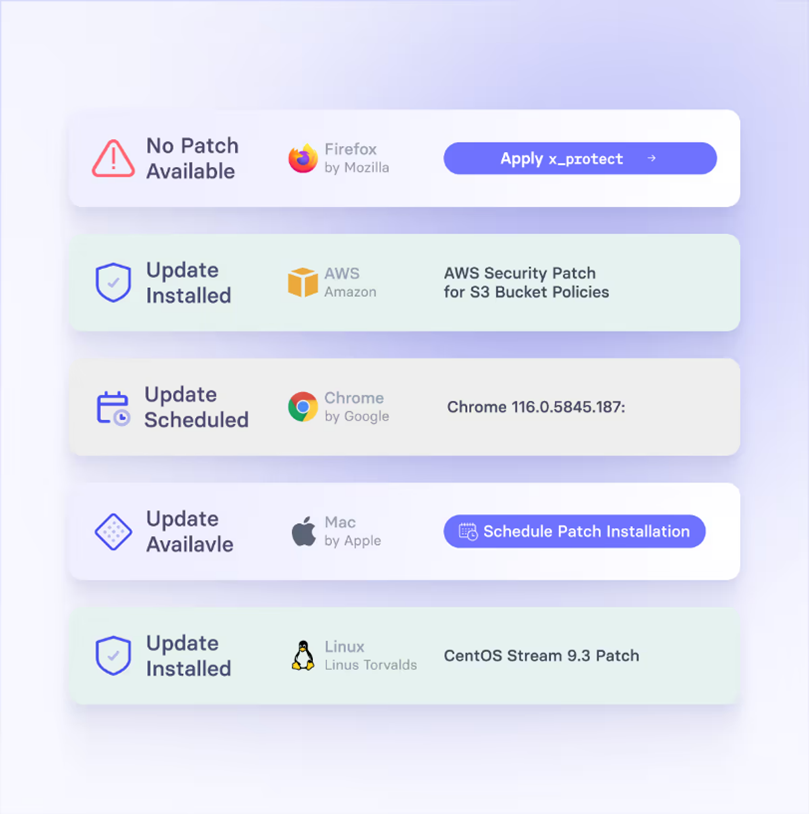
vRx ofrece tres métodos complementarios de remediación, lo que es un punto técnico clave:
Patch Management (“parcheo nativo”)
Automatiza la aplicación de parches a nivel de sistema operativo y aplicaciones de terceros.
Permite programar los ciclos de parche (“Patch Cycle Scheduling”) para minimizar el impacto operativo.
Soporta parches para más de 2,000 aplicaciones y OS, según su propio sitio.
Scripting Engine
Tiene un motor de scripts robusto: puedes usar scripts pre-construidos o crear los tuyos para vulnerabilidades complejas (por ejemplo, cambios de registro, modificaciones específicas, configuración).
Permite automatizar completamente la ejecución de estos scripts para remediación (registro, restauración, desinstalación, etc.).
Los scripts también pueden usarse para “remediaciones no parcheadas”, como cambios en la configuración para mitigar la vulnerabilidad.
Patchless Protection (“protección sin parche”)
Es una tecnología propietaria que actúa como un “parche virtual”: si no hay parche disponible o parchear es riesgoso, vRx aplica controles compensatorios.
Específicamente, protege los ejecutables vulnerables en memoria: restringe el acceso a ciertas funciones o APIs vulnerables para evitar explotación.
Permite mantener la funcionalidad de la aplicación mientras se reduce el riesgo, especialmente útil para apps críticas o legacy que no se pueden parar.
También es útil para software cuyo soporte ya terminó (legacy o pasado EOL), pues no siempre hay parches oficiales.
En cuanto al rollback (reversión), el motor de scripting permite definir scripts para deshacer (por ejemplo, restaurar punto de Windows o desinstalar y reinstalar versión anterior).
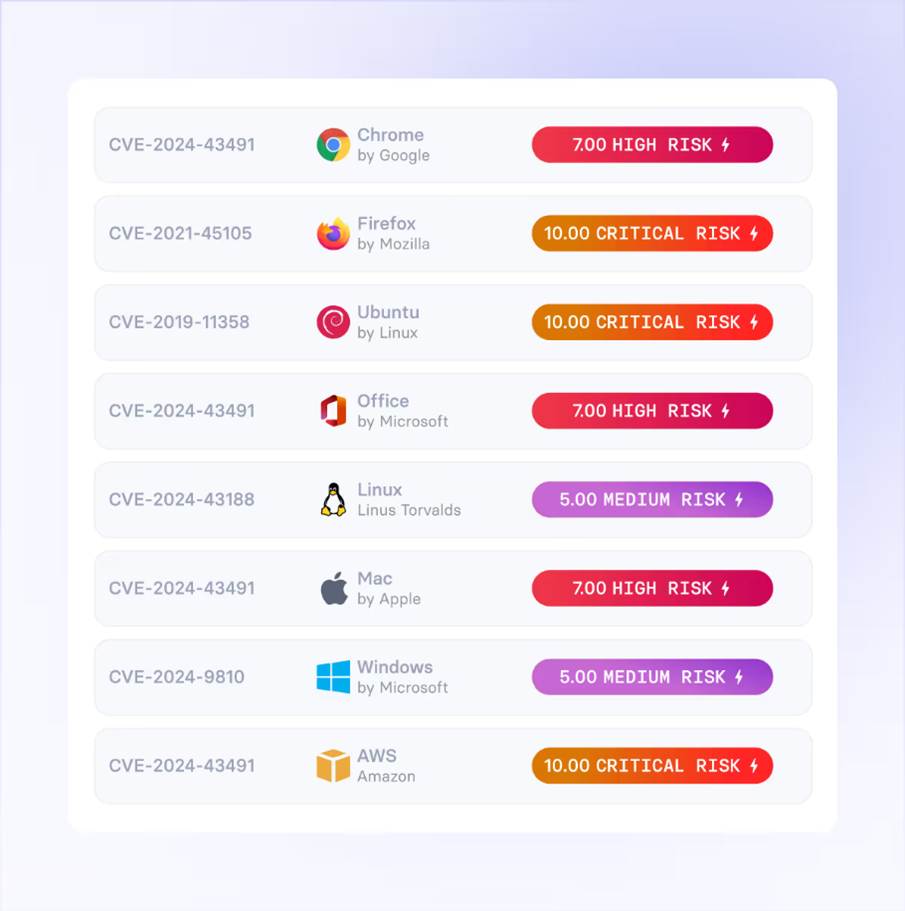
Priorización de Riesgo (Risk Scoring)
Inteligencia contextual (“Contextual Risk Assessment”) vRx no solo se basa en métricas genéricas como CVSS. Incluye un motor de scoring que considera:
la criticidad del activo (qué tan importante es para la operación),
la probabilidad de explotación según datos de amenaza,
contexto operacional del negocio.
xTags Vicarius tiene un sistema llamado xTags, que permite añadir “etiquetas” de riesgo (“tags”) asociadas a exposiciones internas o externas. Estas etiquetas ayudan a cuantificar y priorizar mejor según el riesgo real para el negocio.
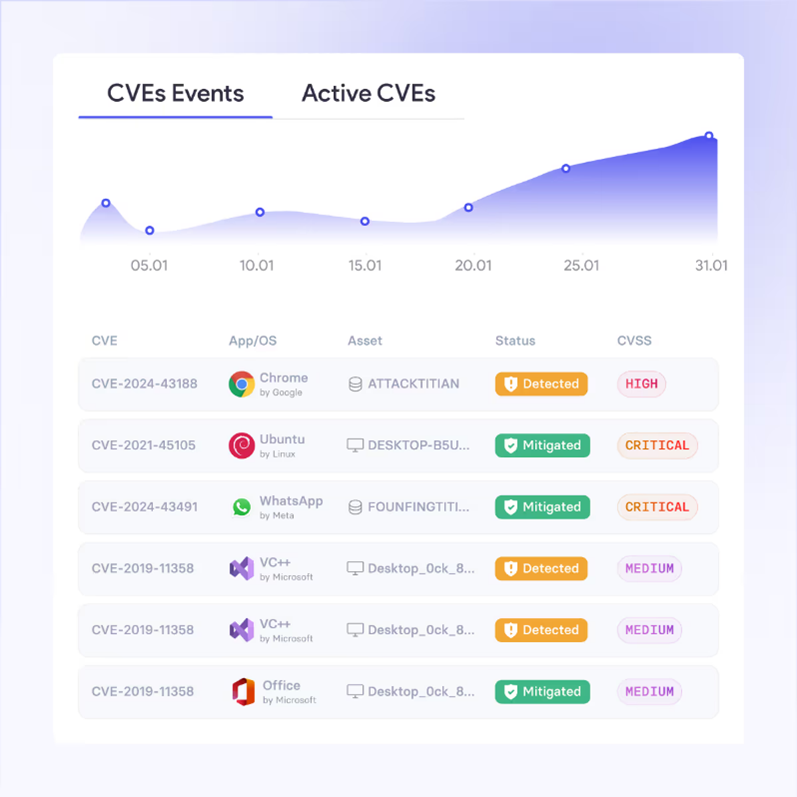
Historial de riesgo El sistema hace seguimiento de la evolución del riesgo por activo (cómo cambian sus riesgos con el tiempo), lo cual ayuda a analizar tendencias históricas.
Arquitectura y alcance del descubrimiento
Inventario de activos vRx mantiene visibilidad en tiempo real de todos los activos importantes: servidores, estaciones de trabajo, aplicaciones instaladas, sistemas operativos.
Detección de vulnerabilidades
Usa scripts de detección (“detection scripts”) que no solo comparan versiones, sino que pueden verificar configuraciones específicas para determinar vulnerabilidades.
Tiene integración con Nmap para descubrir dispositivos de red (“network devices”) donde quizá no se puede instalar agente.
También detecta amenazas de día cero y amenazas emergentes mediante análisis predictivo.
Soporte de Sistemas y Aplicaciones
vRx soporta decenas de sistemas operativos: según Vicarius, son 44 OS diferentes (Windows, macOS, Linux).
Además, tiene cobertura para más de 3,200 aplicaciones de terceros.